You aren’t the only person who ever walked into Golf With Your Friends and searched, “Is Golf With Your Friends crossplay?” I’ve tested this on PCs, Xboxes, and consoles for many hours with friends using various gadgets. Messy waiting areas, laughs and frustrations. That’s the truth.
This game is made for multiplayer chaos, but the platform rules? Not so simple. I’ve tried hosting, joining, testing all versions. And it’s clear, knowing what works is half the battle.
This guide will explain everything in detail updated for 2025. Cross-play, cross-save, cross-progression, online play and nearby multiplayer. Experience has taught me everything.
What Crossplay Actually Means
Crossplay is simple in theory. Play with friends no matter what platform they use. PC with Xbox, Xbox with PlayStation and switch with whatever.
In practice, games rarely do it perfectly. Golf With Your Friends is no exception. Some versions work together, others do not, it’s confusing, I know.
Is Golf With Your Friends Crossplay in 2025?
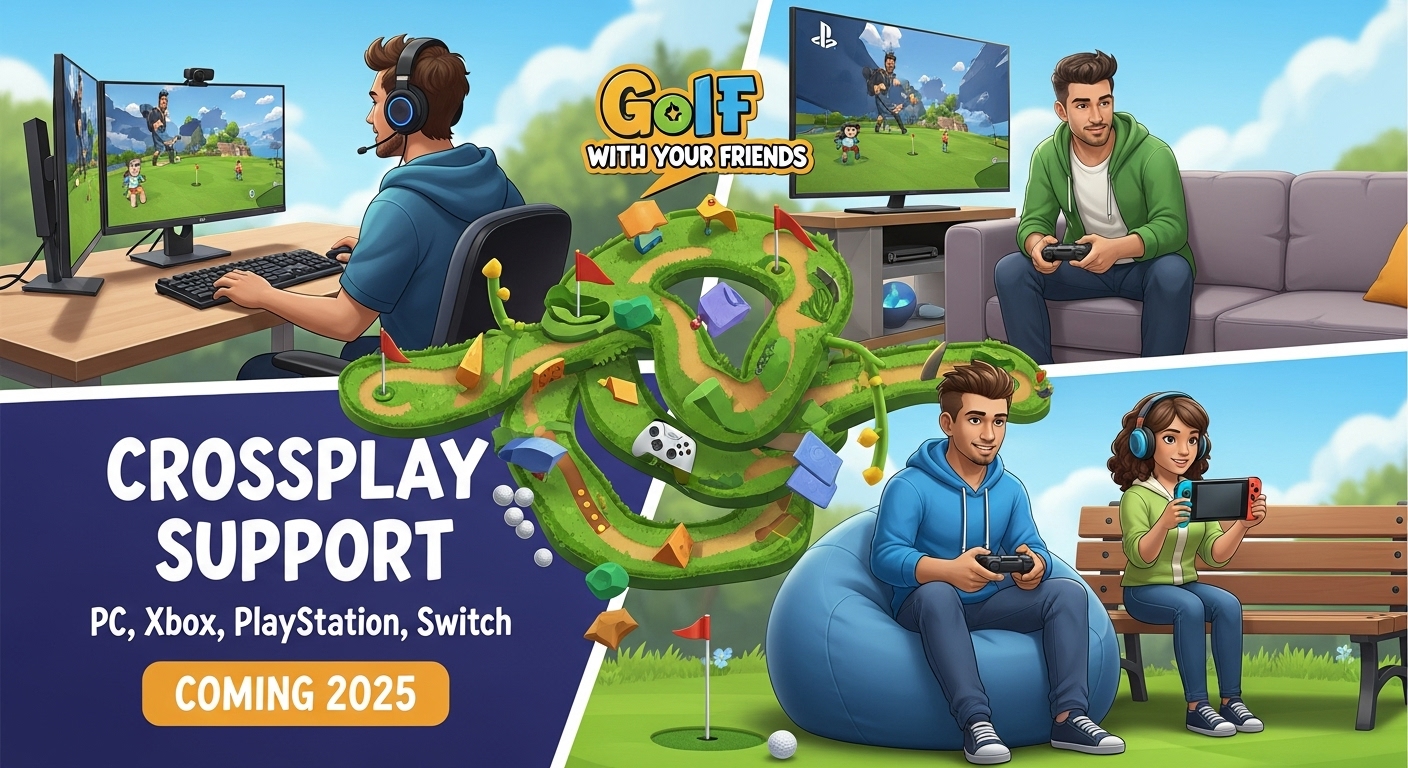
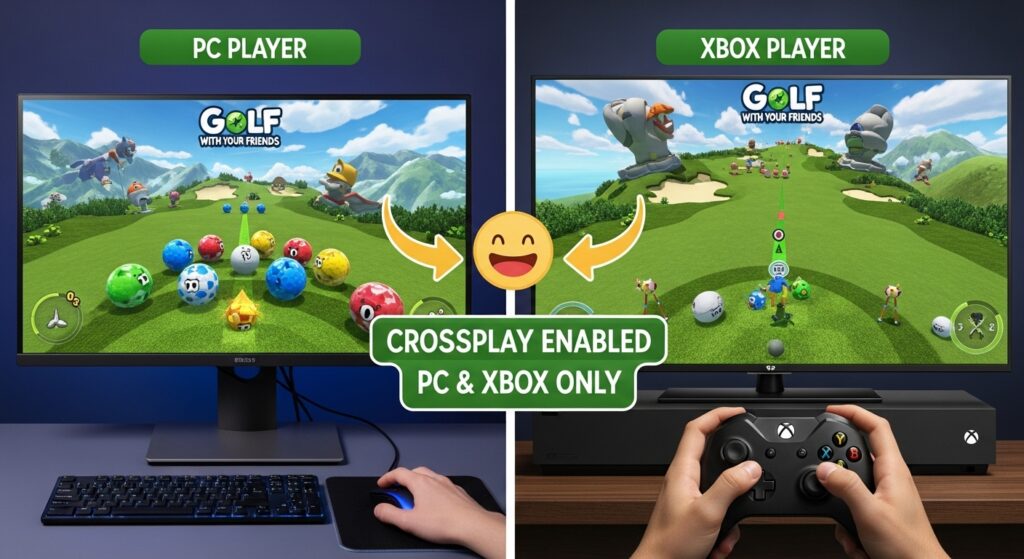
Only PC and Xbox Game Pass versions can play together. Steam, PlayStation, and Switch cannot. If your friend is on a different version, you cannot play together.
Crossplay Support Table
| Platform | Can Play With |
|---|---|
| PC Game Pass | Xbox Game Pass |
| Xbox Game Pass | PC Game Pass |
| Steam | No |
| PlayStation 4/5 | No |
| Nintendo Switch | No |
Game Pass users get the bonus. Everyone else stays locked to their platform.
Why Full Crossplay Isn’t Here
The game started small, PC only, by Blacklight Interactive. Later on, Team17 brought it to consoles. Every platform version is slightly different. Networking, matchmaking and backend systems with all not identical.
To make full crossplay work? Huge backend changes. Server syncing, code unification and online system adjustments. For a small studio, it’s not trivial. They aren’t ignoring it. It’s just… hard.
Does It Have Cross-Progression or Cross-Save?
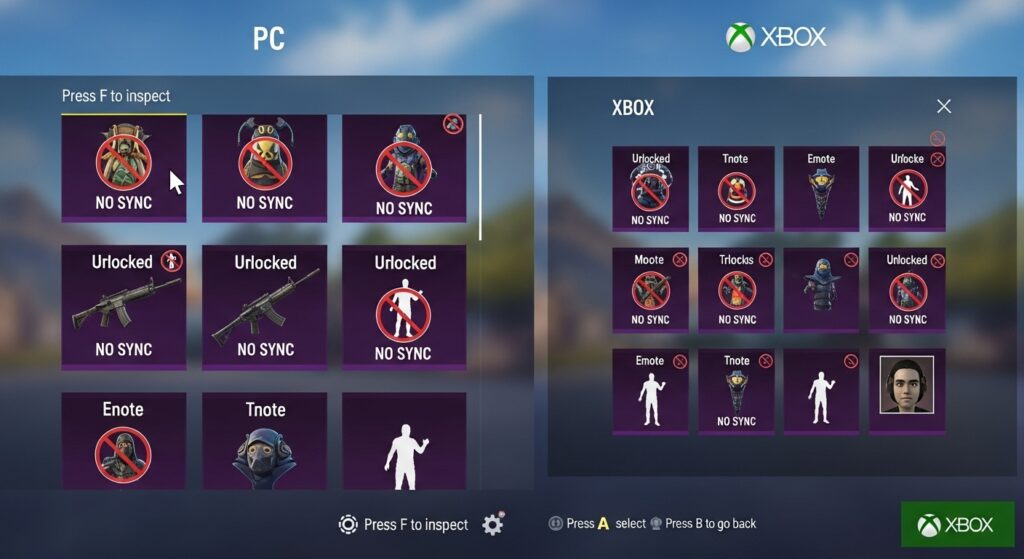
Progress is tied to each platform. Unlock hats or custom balls on PC? They stay there. Xbox? Same story. Switch or PlayStation? Locked.
If you switch platforms, you start fresh. No syncing. Until full crossplay exists, don’t expect it.
How to Play Online With Friends
Even without full crossplay, you can still have fun. Everyone just needs the same platform.
Steps:
- Open the game.
- Select Online.
- Click Host Game.
- Pick your map, mode, and rules.
- Invite friends from platform friend lists or use a room code.
PC players can join via room code. It works once everyone is on the same system. Simple.
Tips for Smooth Online Play
Make sure everyone has the same version and updates. PC Game Pass and Xbox Game Pass can connect, but Steam, PlayStation, and Switch cannot.
Use room codes if invites fail. Close background apps to reduce lag. Small tweaks like this make matches less frustrating.
Xbox Game Pass and Crossplay
Here is the good news. Game Pass makes crossplay easier. PC Game Pass and Xbox can connect. Steam and others cannot.
| Platform | Can Play With |
|---|---|
| Xbox Game Pass | PC Game Pass |
| PC Game Pass | Xbox Game Pass |
| Steam | No |
| PlayStation | No |
| Switch | No |
Steam cannot join Game Pass. PC, Xbox Game Pass only.
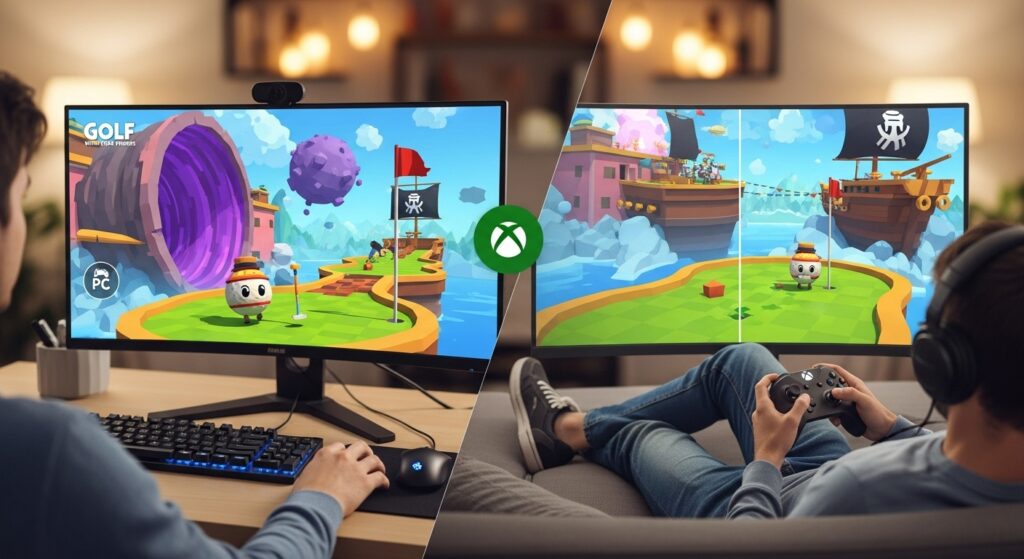
How to Enable Crossplay in Golf With Your Friends
Crossplay only works if you’re both on Game Pass. Steam won’t connect. Open the game, go to Online, and host a game. Look for the crossplay toggle and turn it on. Invite friends using Microsoft friend lists or a room code.
Make sure everyone is on the same version and updated. It’s a common mistake to mix Steam and Game Pass, that will never work.
Is Golf With Your Friends Crossplay on Switch?
No. Switch players can only play with other Switch users. Online crossplay doesn’t exist.
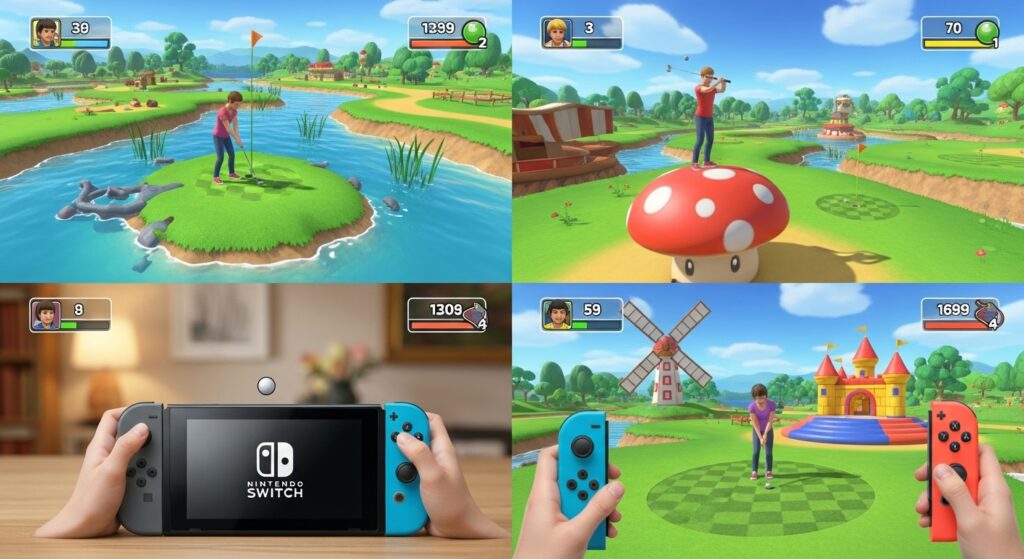
Local multiplayer is still solid though. Up to twelve players, turn-based. Everyone takes their shot on the same console. Surprisingly chaotic and fun.
Local Co-op and Split Screen
Local multiplayer is where the game shines. Up to 12 players, turn-based. Not split-screen, but that doesn’t matter. Chaos still happens. Turn on collisions. Players hitting balls into each other. Water hazards. Wrong walls. It’s hilarious.
| Mode | Max Players | Type |
|---|---|---|
| Local | 12 | Turn-based |
| Online | 12 | Private/Public rooms |
Cross-Generation Play
PS4 plays with PS5. Xbox One plays with Series X/S. So friends with older consoles are not left out.
Golf With Your Friends vs Golf It
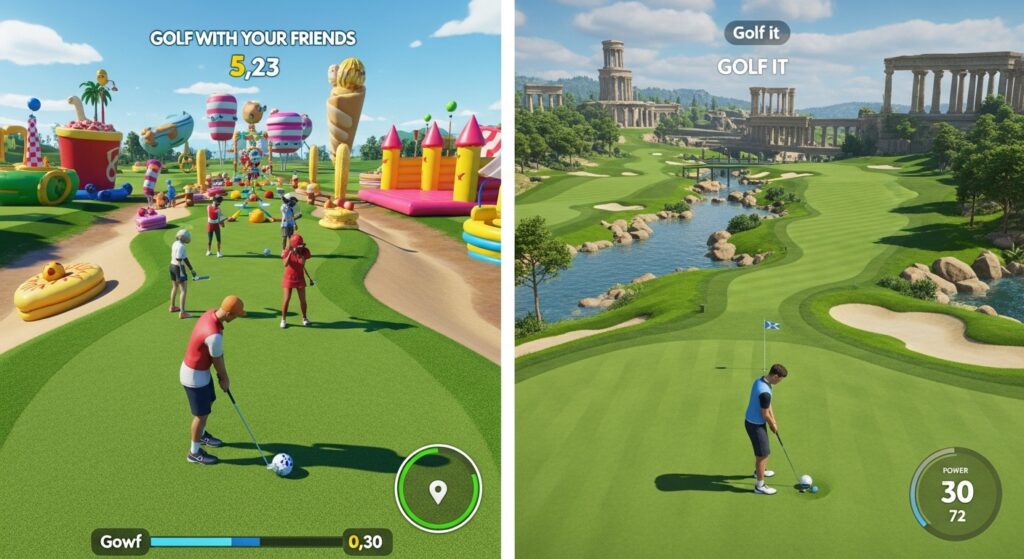
People ask me this all the time. Golf It has better physics and a full map editor. Great for creative players. Golf With Your Friends is simpler. Themed maps. Power-ups. Fun chaos.
If you want laughs and casual play, GYF wins. For trick shots and custom courses, Golf It might be better.
Will Full Crossplay Ever Happen?
No official word. Devs know players want it. But full crossplay requires major changes. Could come in future updates or a sequel. No guarantee.
Wrapping It Up
Not fully crossplay in 2025. Game Pass users can play PC/Xbox together. Steam, PlayStation, Switch cannot. No cross-save, no cross-progression.
Still fun. Online or local. Chaos, skill, luck. Just make sure everyone is on the same system first.
Frequently Asked Questions
1. Is Golf With Your Friends crossplay between PC and Xbox?
Yes, but only with Game Pass versions. Steam does not work.
2. Can PlayStation and Xbox users play together?
No. No cross-console support.
3. Does the game support cross-save?
No. Progress is platform-locked.
4. Can you play local multiplayer?
Yes. Up to 12 players take turns.
5. Is crossplay coming soon?
No confirmation yet. Fans hope for updates or future releases.

I’m Jacob Walker, and my blog is where digital and physical sports collide. I cover FIFA & NBA2K, explore unique athlete crossover content, and analyze the latest industry trends.